How to Fix the “Yorker 43 Good Wolf” Error
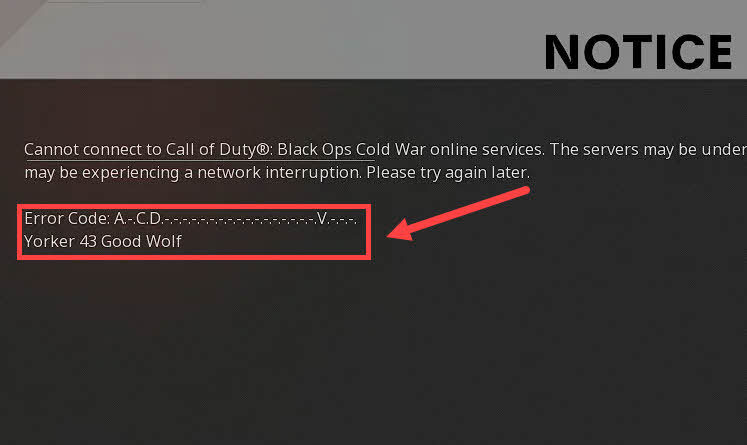
After the release of Call of Duty: Black Ops Cold War (the logical continuation of the Call of Duty: Black Ops series) by Activision, many gamers began expressing their dissatisfaction with the game due to connection problems with Call of Duty servers. Most commonly, the error “Yorker 43 Good Wolf” is encountered.
This error appears almost immediately after the “connecting to online services” message disappears from the screen. Moreover, even if CoD loads and you don’t see this error, the loading screen will simply freeze, and after some time, you will receive a notification that the connection time with the game server has expired.
Since this bug already existed in the PC beta version of CoD, upcoming updates for Call of Duty: Black Ops Cold War should address the issue. However, if you don’t want to wait, you can try to resolve the problem yourself.
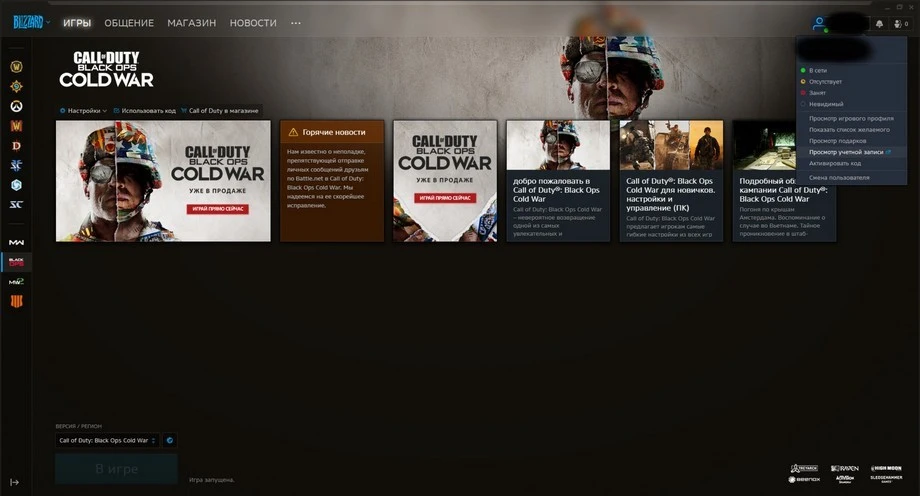
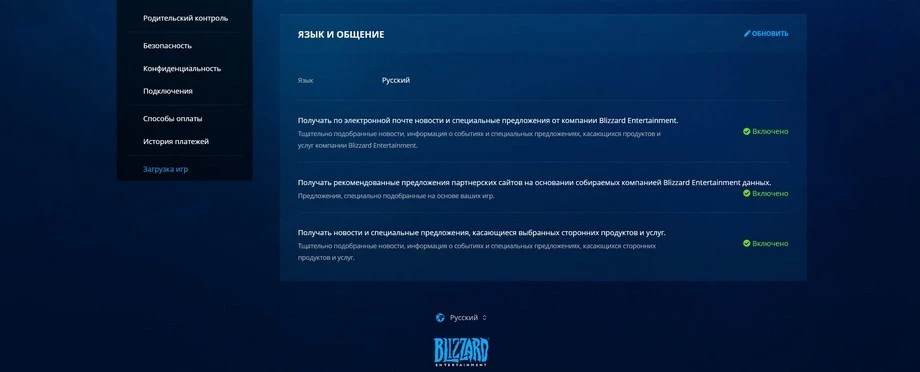
After completing all the steps described above, the Yorker 43 error should be resolved. However, if it doesn’t help, you should consider linking your Activision account to Battle.net.
Video Tutorial:https://www.youtube.com/watch?v=a7-KUrAjY4E