How to run GTA 5 on a low-end PC.
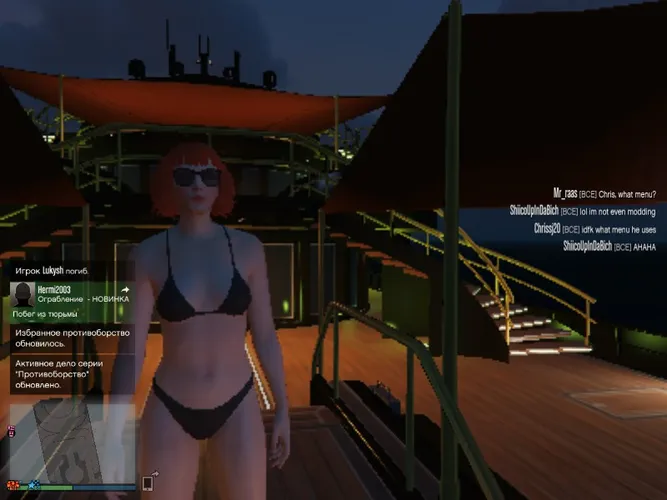
One of the best and most popular games in the world, “GTA-5,” was released back in 2013. But even after all these years, this game remains a challenge for not-so-powerful computers. Moreover, it’s safe to say that not everyone nowadays can afford a fairly good, powerful gaming PC. What should those who don’t have such a computer, which can easily handle this game, do? In this article, you’ll find several interesting solutions. Let’s get started!
First, for those who are not aware of the minimum requirements for “GTA-5,” it’s essential to know them and then compare them to your PC. Here are the minimum system requirements:
If your PC meets at least these requirements, then you’ll have minimal issues. But if not, enjoying the game might be a bit challenging. In general, what do minimum system requirements mean? They are specified so that users understand with what PC specifications the game will run smoothly.
If your computer is weak, don’t be disappointed. There’s a solution for you. For example, cloud gaming. There are services that launch the game, so to speak, on their server, and you see only one image. In general, if you’re interested, you can look it up.
Some players don’t see the difference between minimum system requirements and recommended ones. You already know what minimum requirements are. Recommended requirements are those “minimum” requirements under which the game will work well at maximum settings. So, for maximum enjoyment of the game, you’ll need a PC with these specifications:
If your computer has at least these specifications, you’ll be able to play “GTA-5” on maximum settings. But don’t confuse it! Playing on maximum settings doesn’t always mean the maximum frame rate. To play comfortably, set the graphics settings to approximately medium. Then everything will be fine.
If you see that your FPS regularly drops, you can disable some graphical features that don’t affect gameplay. These could include shadows or rendering of certain textures or grass. You won’t have a worse gaming experience if you remove shadows or grass. Remember that it’s always better to play comfortably and efficiently than beautifully and brightly but with regular lags and freezes. Also, there’s no need to kill your PC; it’s not worth it. But if you have strong nerves and love stunning visuals, then, please, go ahead. It’s your choice.
Especially for such cases, there’s a mod for weak computers. After installation, it will automatically lower the game’s settings to the maximum extent. After these changes, you’ll notice a significant improvement in performance. In general, this mod lowers or disables all features that don’t affect (or minimally affect) gameplay.
That’s it. What can be said in conclusion? Don’t get upset if you have a weak PC. Some people don’t have one at all. In today’s world, there are so many different solutions to these problems (aside from buying a new PC or its components, of course) that you can choose the one that suits you best and so on. Yes, of course, you won’t be able to enjoy beautiful graphics, visual effects, and overall visuals. But the main thing is to enjoy the game and do it as efficiently as possible. I hope this article helped you at least partially solve your problem. And if you have a friend or acquaintance who faces this problem, then tell them about it. Thank you for your attention!