Beginner’s guide to “Forbidden Zone.”
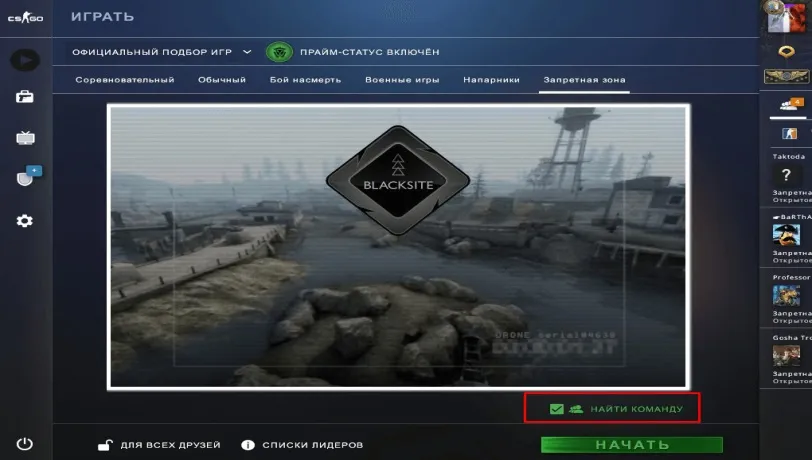
After the major update in CS: GO, the studio introduced new game modes. Danger Zone is the mode that millions of players have been eagerly awaiting. The map pool consists of maps that can change every 9 minutes automatically. It’s worth noting that some maps may not be available from time to time. Among the maps are “Blacksite,” “Sirocco,” “Jungle,” “Frostbite,” and “County.” The goal of the Danger Zone is to be the last survivor among 18 people. After the update, a team mode became available. There’s an option to find a team, making all game modes team-based. After the warm-up, players must choose a zone to land in. If playing with a team, different landing locations should be chosen. Remember, landing in the same zone together is not possible. Several loot boxes are available in the game, including:
The Danger Zone game mode is available in the free version of CS: GO, with no differences. As mentioned earlier, the game starts with a landing, and the player’s arsenal includes fists, a one-time health syringe, and a tablet. After landing, players must search for useful items like Glock-18, P2000, knife, hammer, wrench, axe, armor, helmet, ammo, and a bundle of money. The location features loot boxes that can be opened by punching them or using an item.
Additionally, specific events in the Danger Zone can earn players extra money. Safes can only be opened with C4 or by pressing the E button. Picking up a contract case for a kill order will present a task to eliminate the nearest opponent for a $500 reward. The tablet map may seem complicated at first glance, but it’s straightforward:
It’s worth noting that automatic turrets will shoot any player within their line of sight. Here are some gameplay tips:
Approaching a barred door requires paying the specified amount, and it will open. Remember, drones drop items ordered through the tablet, and enemy drones can be shot down, eliminating the threat.