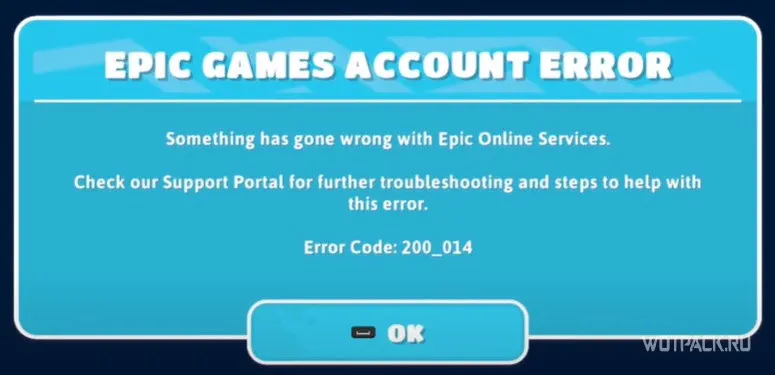
Fall Guys – What to do if you get an account error in Epic Games
Fall Guys was available only on consoles for a long time. But over time, the developers have decided to transfer the game that has gained popularity to the PC. In addition to this, you can join the fun with cartoon men for free!
You can solve the problem in two ways:
To run the file integrity check, you should go to the Epic Games client and go to the library with the existing games on your account. There you need to find the game and go to its settings by clicking on the three dots icon. Just click on the “Check file integrity” button and wait for the end of the check. After that, you can try to run the game.
In other cases, you may need to restart your PC and check the connection to the Internet.