Playing with friends in Sons of the Forest: how to create and join servers
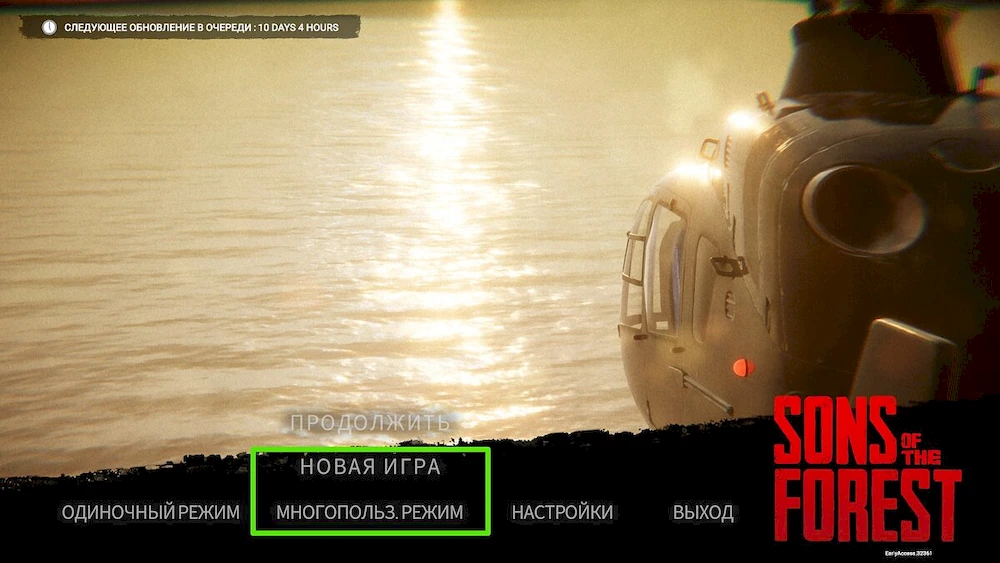
Sons of the Forest is an exciting co-op survival game where players work together to build shelters, collect resources, fend off cannibal attacks and explore a variety of bunkers and dungeons. In this guide, we’ll go through the process of creating your own server, connecting to other players’ servers, and the available features in a co-op game.
Creating a server and connecting to the servers of other players
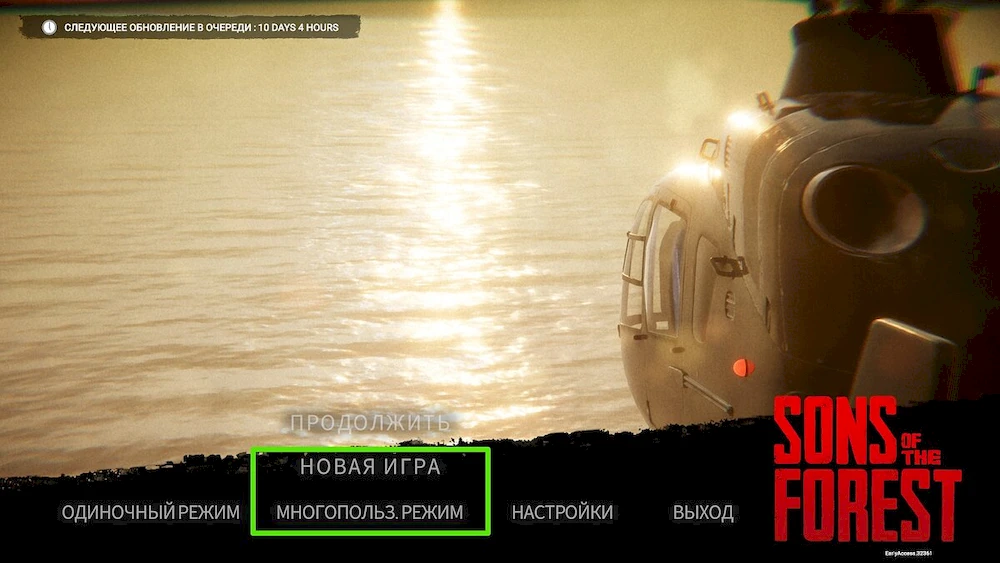
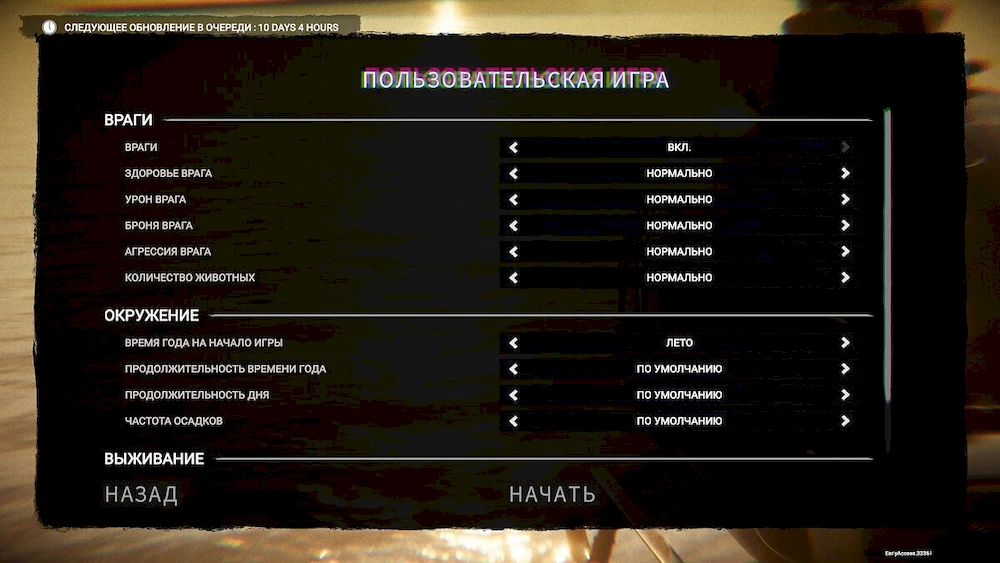
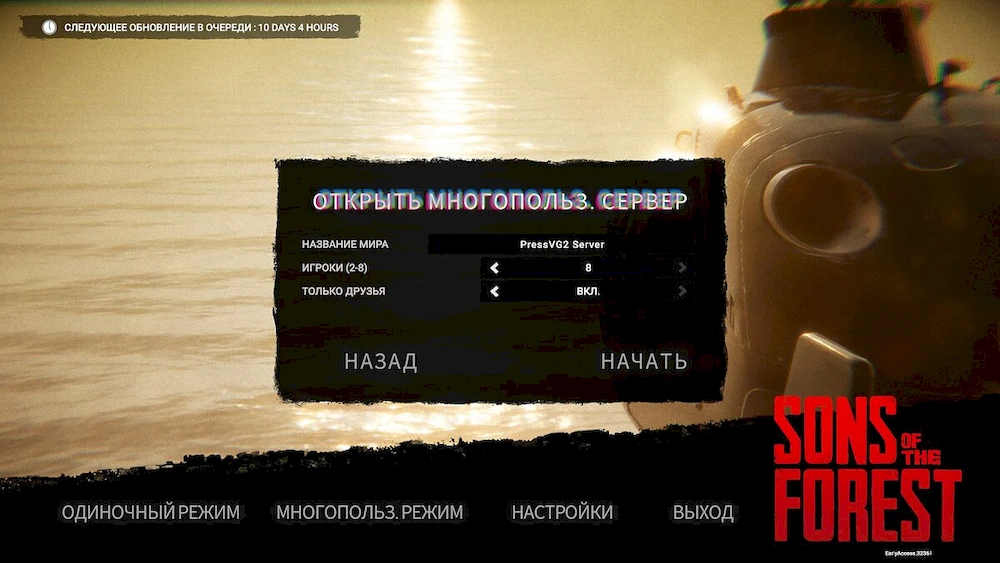
Connecting to other players’ servers
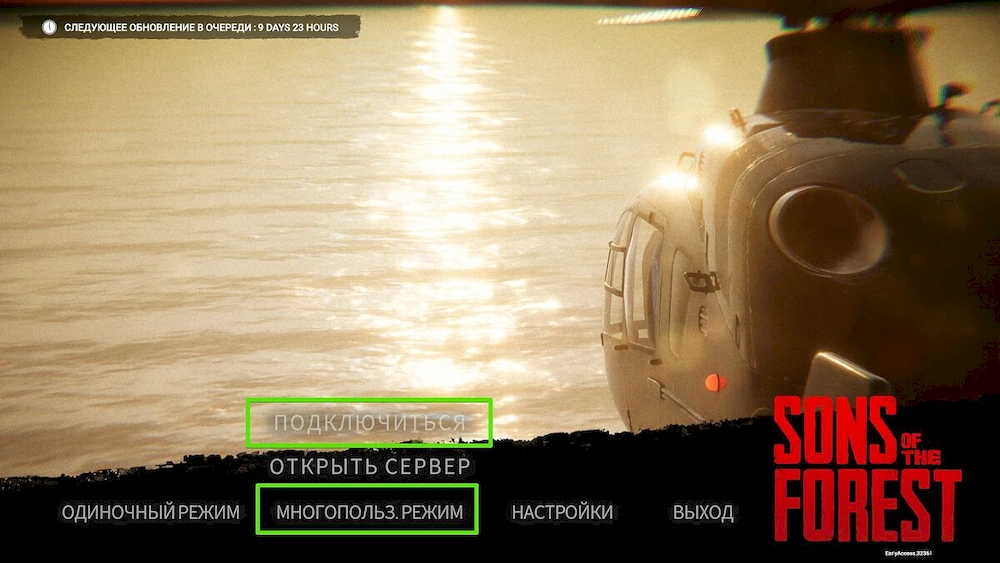
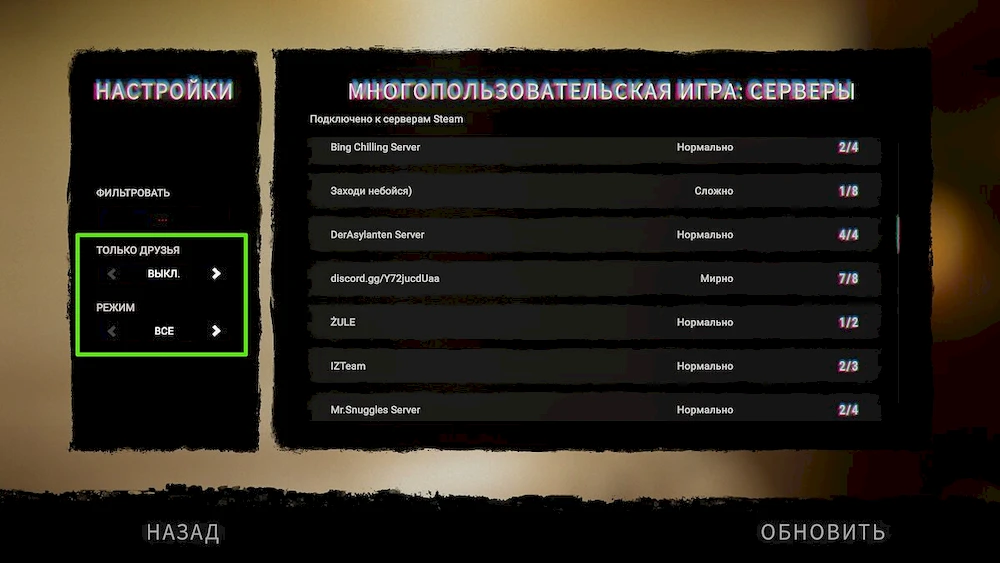
Now you know how to create a server and connect to other players’ servers in Sons of the Forest, allowing you to enjoy cooperative survival with friends and other players from all over the world.
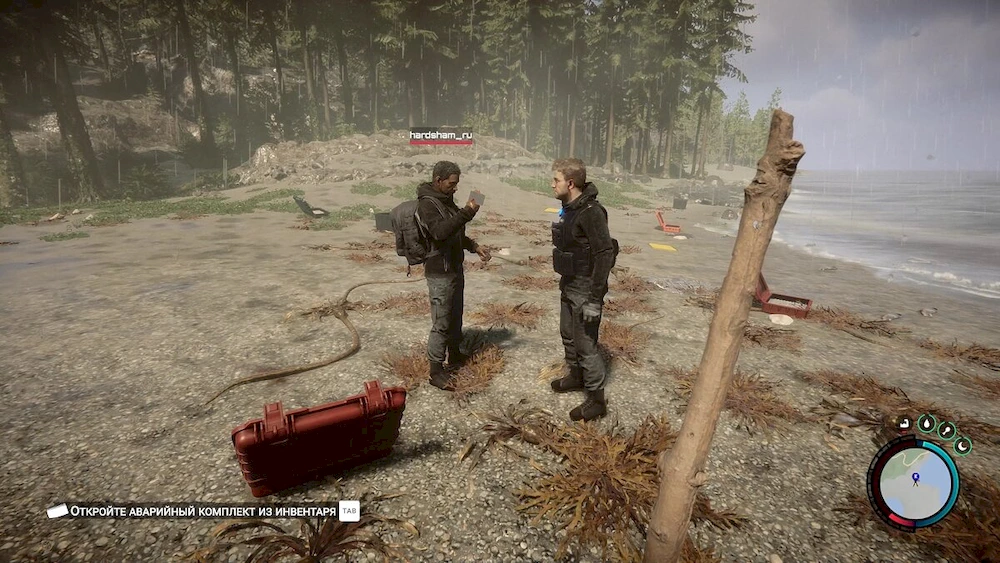
After connecting to the server, you will appear on the island at one of three random points. Your faithful companion Kelvin will also be nearby, but in co-op mode there will be only one of him – tied to the server host. However, all team members can give him orders.
In co-op, loot will be shared between all players, so there is no need to compete for weapons or resources. Note that sometimes the finds can vary: you can find pills, and your friend can find food in the same place.
To transfer an item from your inventory to a friend, approach him and hold down the action key.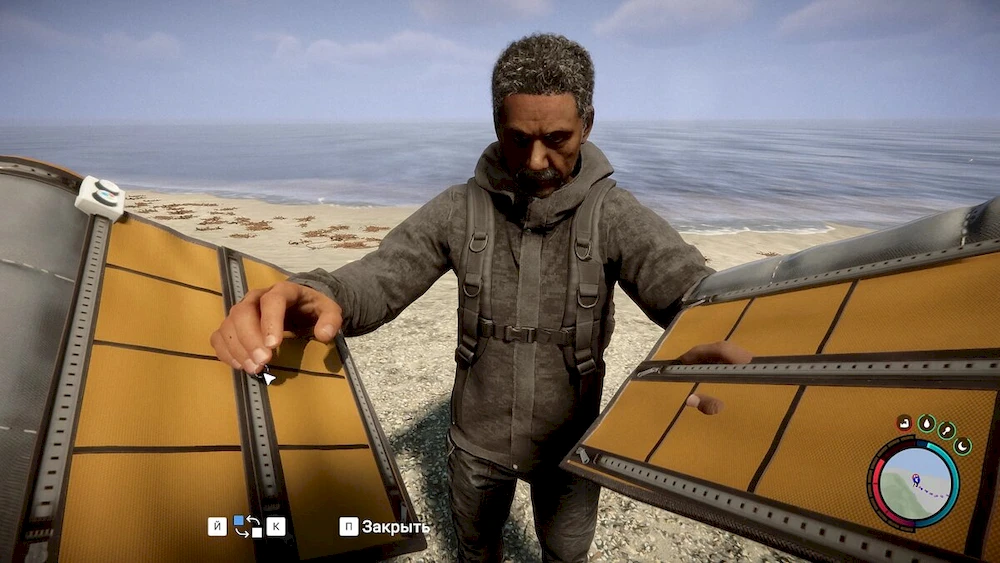 A table will appear on the left, on which you need to select the desired item. Please note that it is impossible to take an item from another player without his consent.
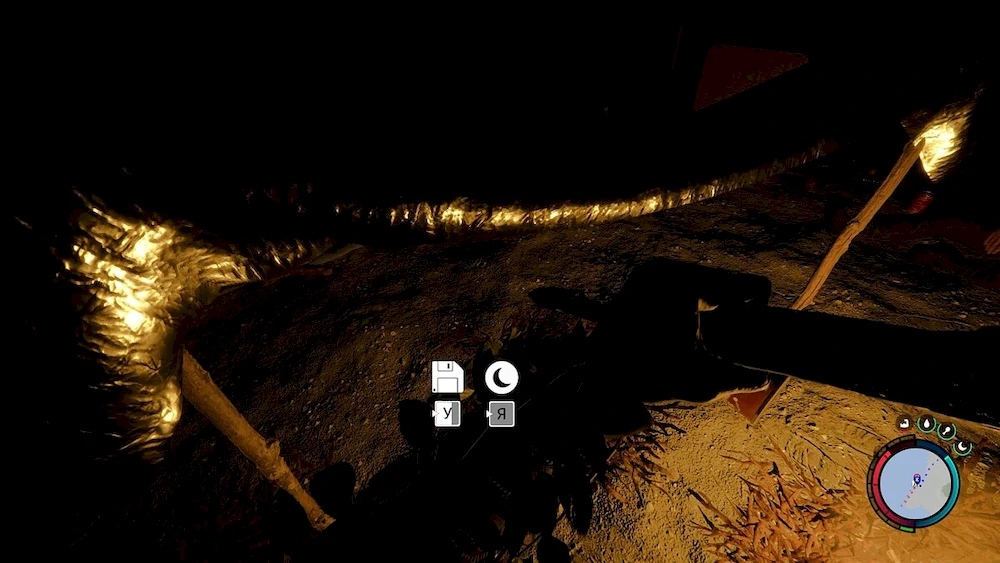
Co-op saves are different than single player saves. The state of the world is saved only for the host, and the rest of the players save the contents of the inventory and the location of the last save. If you connect to another player’s server, save at the tent, and then load the game, the environment will change according to the progress of the host player.
Upon receiving critical damage, your character will kneel down and remain in this state for about a minute.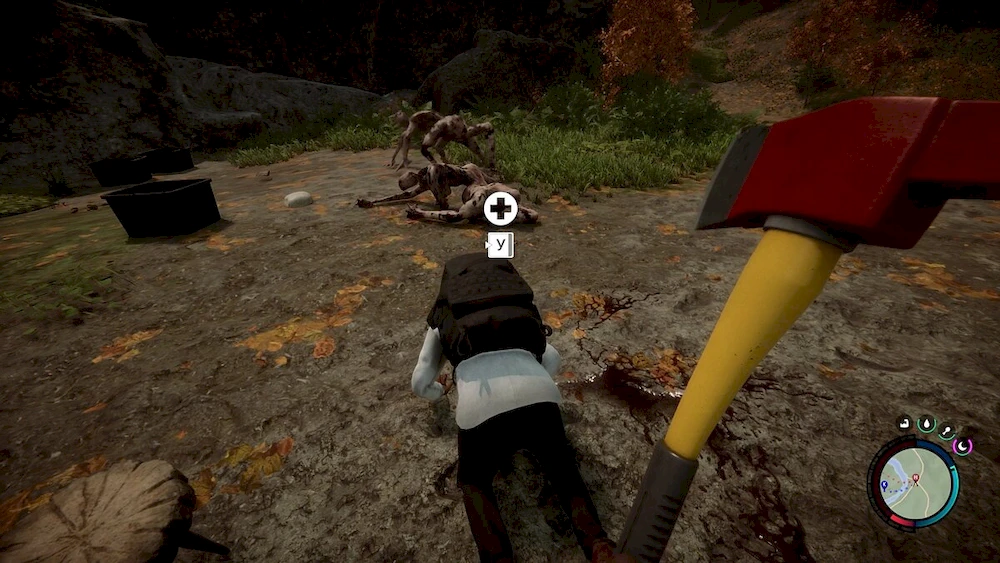 If none of your comrades help you during this time at the first death, you will be taken to the nearest native camp. To pick up a fallen player, approach him and hold the action key.
Repeated death without the help of comrades will lead to final death. A skull icon will appear above the head of such a player, signaling that the next death will be fatal.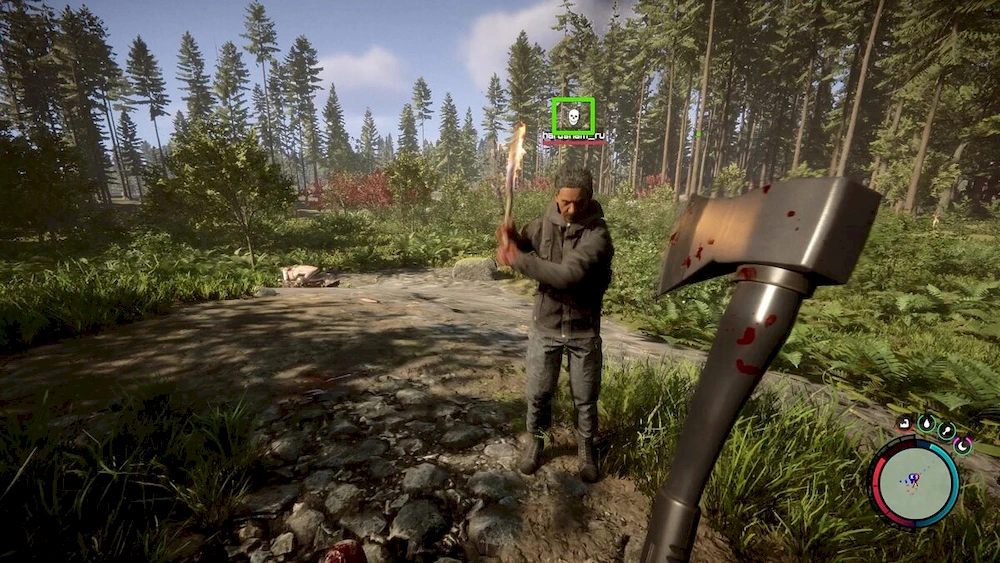 It is important to work together and help each other in order to successfully survive in the co-op mode of Sons of the Forest.
In the Sons of the Forest co-op game, you and your friends can explore the island together, fight cannibals and survive in difficult conditions. A number of features of the cooperative mode, such as loot sharing, item exchange, save and death mechanics, make the game even more interesting and exciting. Do not forget to help your comrades and work as a team to successfully overcome all difficulties and defeat enemies.
Sons of the Forest offers the opportunity to play through the story with friends in multiplayer mode. You don’t have to search for key cards and story items one by one, instead you can split into groups and complete different tasks at the same time.
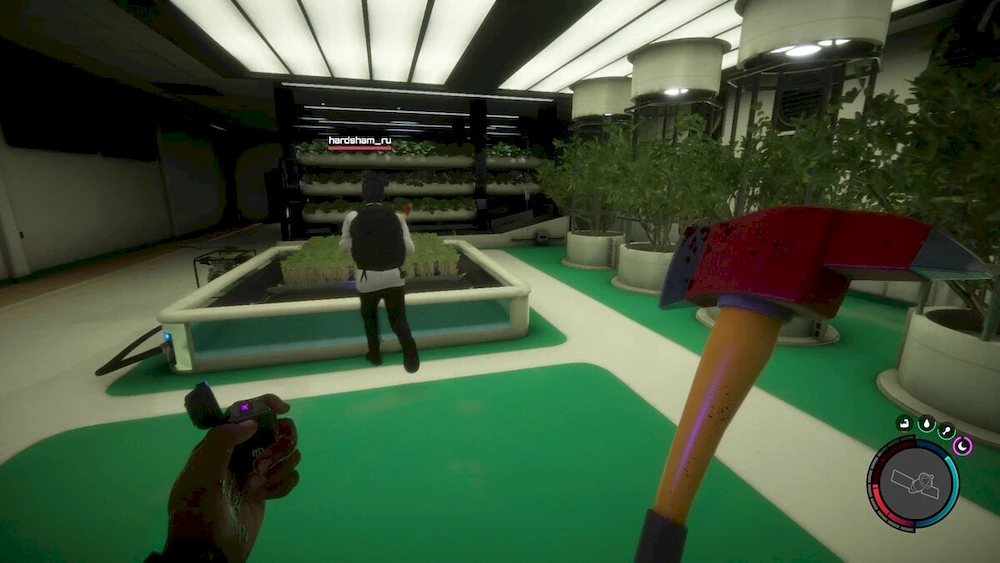
How to complete the story with friends
Go through the storyline with friends and enjoy the co-op mode in Sons of the Forest, completing different tasks and sharing resources to successfully complete the game.