How to Adjust Sun Brightness or Remove It Completely in Call of Duty: Vanguard
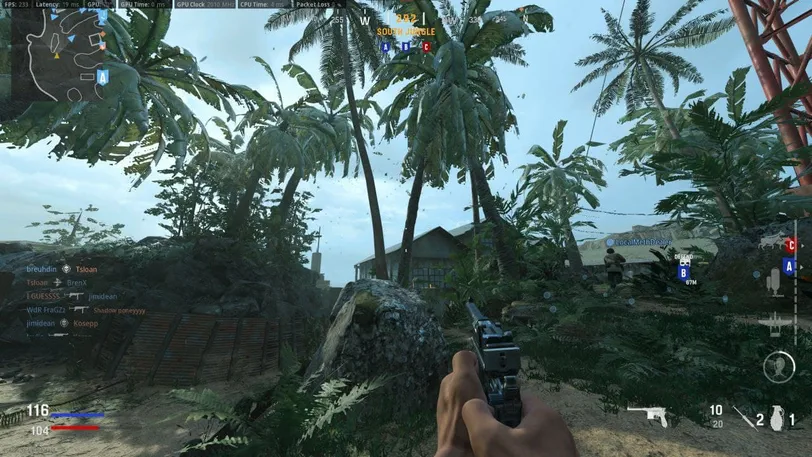
How to Adjust Sun Brightness or Remove It Completely in Call of Duty: Vanguard
21.04.2025 News キキキ 0 comments 1 min 564 views

Tired of the too bright sun in the Vanguard beta on PC, which constantly blinds you on all maps and hinders your gameplay?

You can completely disable it:

  1. Find the file DocumentsCOD VanguardplayersBetaadv_options.ini
  2. Open it with Notepad and change the parameters: Set PixelPerLightmapTexel = “1” // 1 to 256 ; Set ParticleLighting = “0” // 0 to 5.

There will be no more sun.

Оставить комментарий