Call of Duty: Warzone “Unrecoverable DirectX Error”
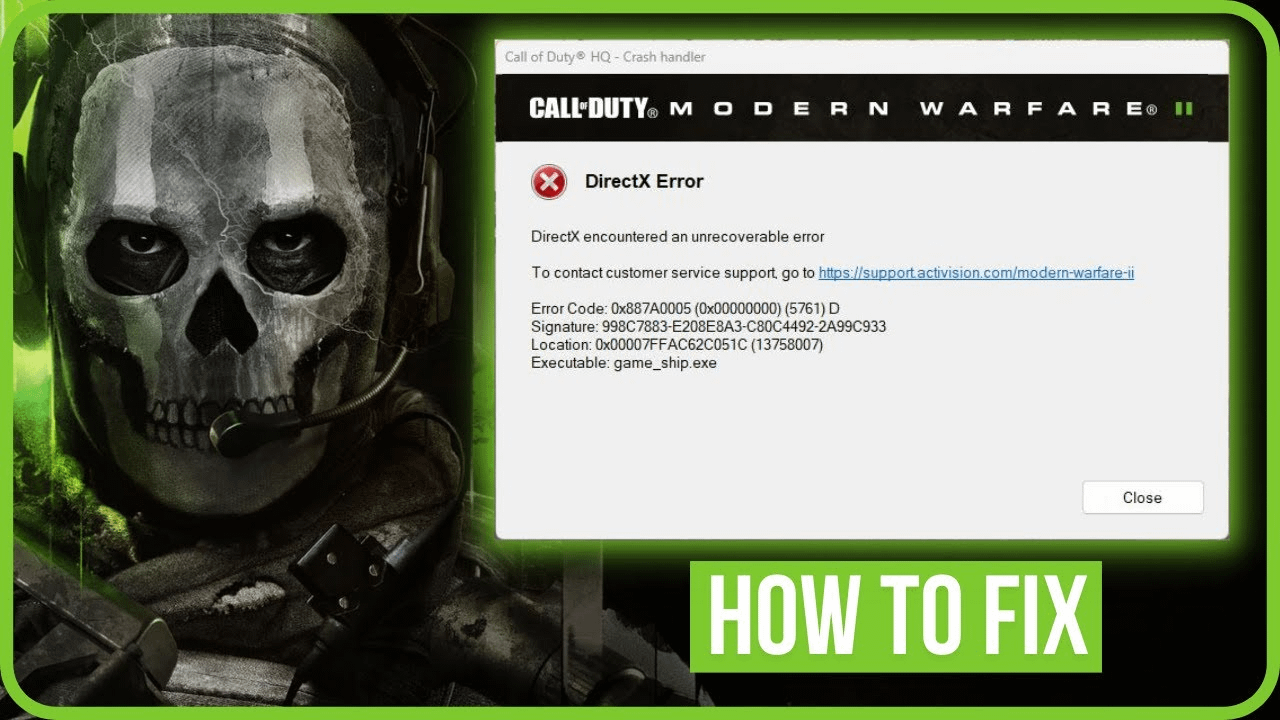
Call of Duty: Warzone “Unrecoverable DirectX Error”: What Causes It?
According to reports from players in different countries, this issue manifests either immediately after launching the game or during gameplay. The primary cause of the error is some problem with the software used by your graphics card. Sometimes, this error is accompanied by an explanation that suggests the problem lies with the version of your graphics card driver (specifically, that it’s outdated and not suitable for CoD) or the complete incompatibility of your graphics card with the game files.
First, let’s start with the most straightforward method to resolve the issue – repairing the game through Battle.net. Here are the instructions:
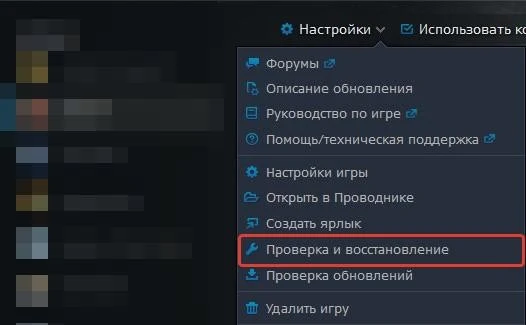
Once the process is complete, restart your computer and open Call of Duty: Warzone. If this doesn’t resolve the problem, you should check your video drivers.
To update your video drivers, follow these steps:
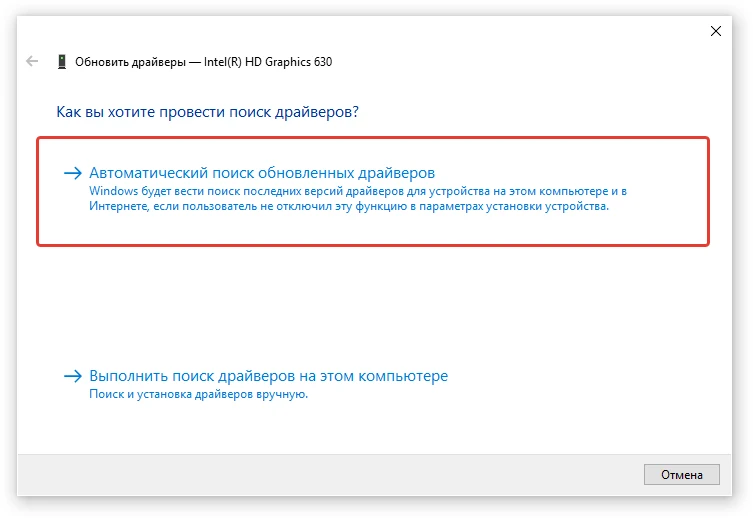
If you have an NVIDIA graphics card, you should also check the driver’s status using the GeForce Experience software, which can be downloaded from the official NVIDIA website.
It makes sense that if you encounter the “Unrecoverable DirectX Error” in Call of Duty: Warzone, you should address this aspect as well. This means installing the latest version of DirectX on your PC. Here’s what you need to do:
One of the most frustrating and common issues for Call of Duty: Warzone players is the “Unrecoverable DirectX Error.” You can try the methods described above to address it. If none of these solutions work, you can attempt to reinstall the game.